











I. Maintenance
1. Regular inspection
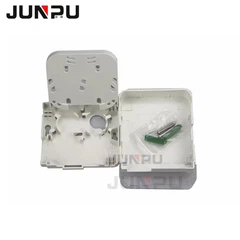
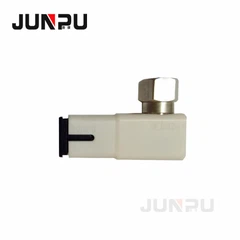
Regularly check the equipment and lines inside the fiber optic wiring cabinet to ensure that all connections are firm and not loose, the fiber jumpers are not damaged, and the optical modules are working properly. This helps prevent potential failures.
2. Cleaning and maintenance
Keep the inside of the fiber optic wiring cabinet clean to avoid dust accumulation that affects the heat dissipation and signal transmission of the equipment. Clean the dust in the cabinet regularly, especially the dust around the heat dissipation holes and fans.
3. Record management
Record each maintenance in detail, including the inspection date, problems found, and treatment measures. These records are very valuable for future troubleshooting and equipment upgrades.
II. Troubleshooting
1. Indicator light inspection
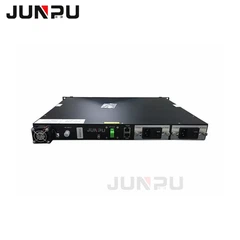
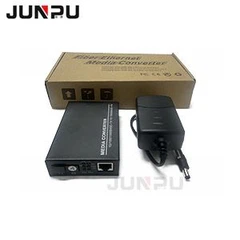
The indicator light on the fiber optic transceiver is an important basis for judging the status of the device. For example, if the optical port (FX-LINK/ACT) indicator light is not on, it may be that the fiber optic link is not correctly cross-linked or the fiber optic socket is connected incorrectly; if the optical port indicator light is on and the other end is not on, it may be a local device failure or a fiber optic link problem.
2. Cable detection
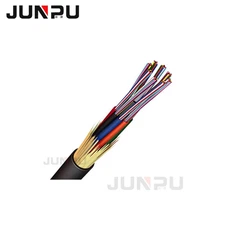
Use a continuity tester to detect whether the twisted pair is connected correctly, and use a laser flashlight or a light source to detect whether the optical cable and optical fiber jumper are disconnected. For optical fiber transceivers, an optical power meter can be used to detect whether its luminous power is within the normal range.
3. Fault location
When a network failure occurs, first check the cable connection and equipment status in the integrated wiring cabinet to quickly locate the fault point. For example, if a port cannot communicate, check whether the optical fiber jumper and optical module corresponding to the port are normal.
III. Summary
In summary, the maintenance and troubleshooting of the optical fiber wiring cabinet need to be carried out regularly, and the meaning of the indicator lights and basic detection methods of the equipment should be familiar. When encountering a fault, the problem should be quickly located and the corresponding solution should be taken. Through effective maintenance and troubleshooting, the stable operation of the optical fiber wiring cabinet can be ensured, and the quality and efficiency of network communication can be guaranteed.